

You already have three different apps open to keep track of your work. One for tasks, one for notes, and another one for projects. Does that sound familiar? I’ve been working with Taskade for six weeks to see if it can really bring all the loose ends together – and whether those AI features are more than marketing hype.
Taskade: the company
Taskade was founded by John Xie and Stanley Yang, two entrepreneurs who became frustrated with constantly switching between different productivity tools. They wanted one place where you could combine tasks, notes, mind maps, and team communication without it becoming a mess.
The company started in 2017 and has undergone quite a transformation since then. Where it was initially mainly a simple task list, it has grown into a complete platform with AI agents and automation. That AI focus, by the way, isn’t a gimmick they added later – they’ve invested heavily in developing customizable assistants that really take work off your hands.
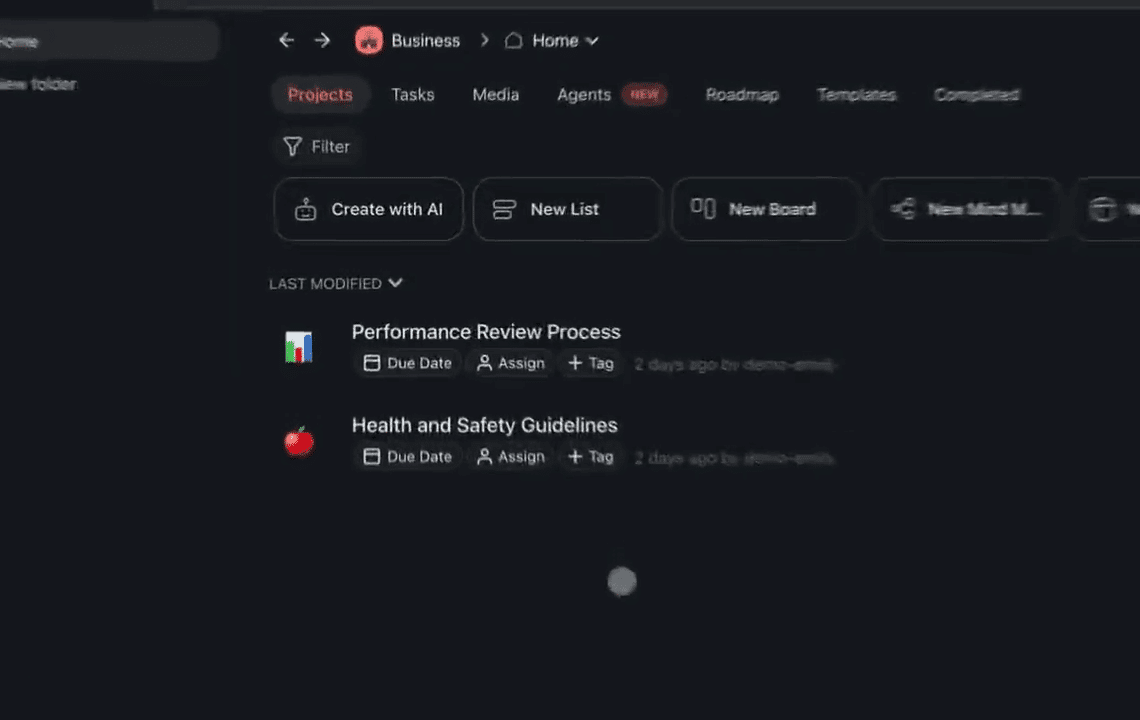
What sets Taskade apart is the focus on real-time collaboration. Think of Google Docs, but for your entire workflow. You see directly what team members are typing, dragging, and adjusting. Pretty handy if you work with remote teams.
Who is Taskade actually for?
Taskade works best for small teams and freelancers who value flexibility. Are you a content creator who wants to capture brainstorming sessions, convert them directly into tasks, and then track them in a Kanban board? Then this is a good fit for you.
It’s also interesting for startups that want to switch quickly between different work methods. One week you work with lists, the next week with mind maps because you’re working on strategy. All of that is possible without moving data.
But to be fair: do you work in a large organization with complex project structures and need extensive reporting? Then it becomes too limited. Taskade is built for speed and flexibility, not for corporate governance. Also, if you mainly need extensive documentation and wikis, you’re better off looking at Notion. Taskade can do notes, but that’s not the strength of the platform.
Taskade features
Let’s take a look at what you can do with it. And especially: what it delivers for you in practice.
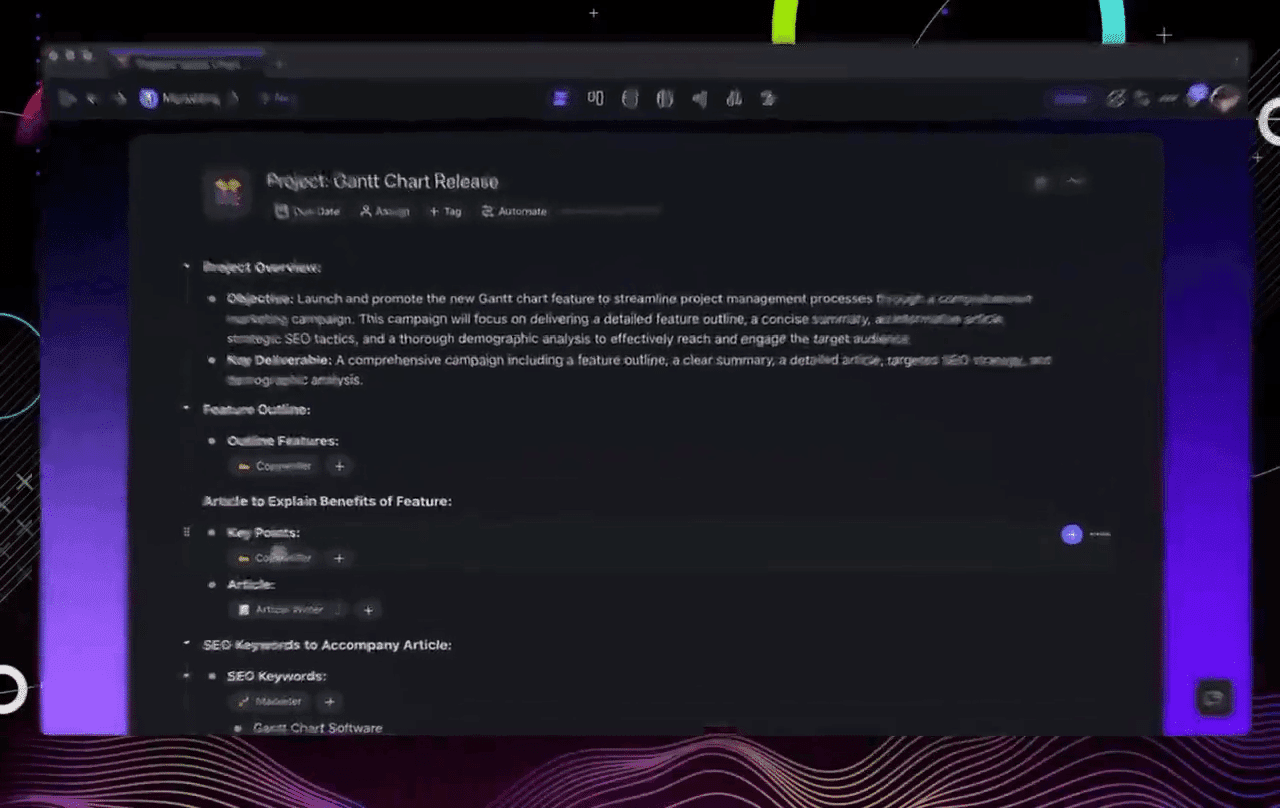
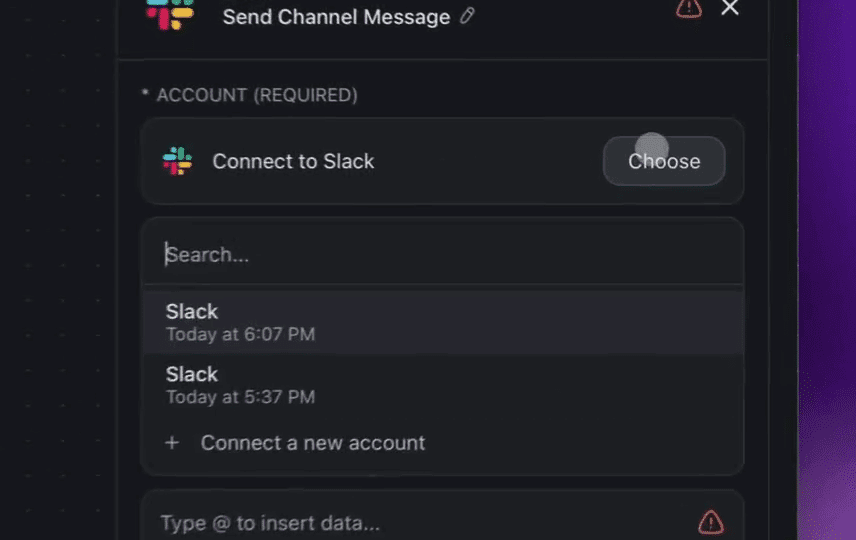
- AI Agents & Automation – This is where Taskade gets really interesting. You can train AI assistants with your own data and processes. Example: I created an agent that automatically converts meeting notes into action items with deadlines. Saves me twenty minutes after each meeting. You can also have agents respond to triggers, like a new task coming in.
- Real-time collaboration – Everyone works simultaneously in the same document. You see cursors moving, text appearing, tasks shifting. Sometimes feels a bit chaotic when five people are working at the same time, but for small teams it works perfectly. No more “wait, are you also working in that file?”
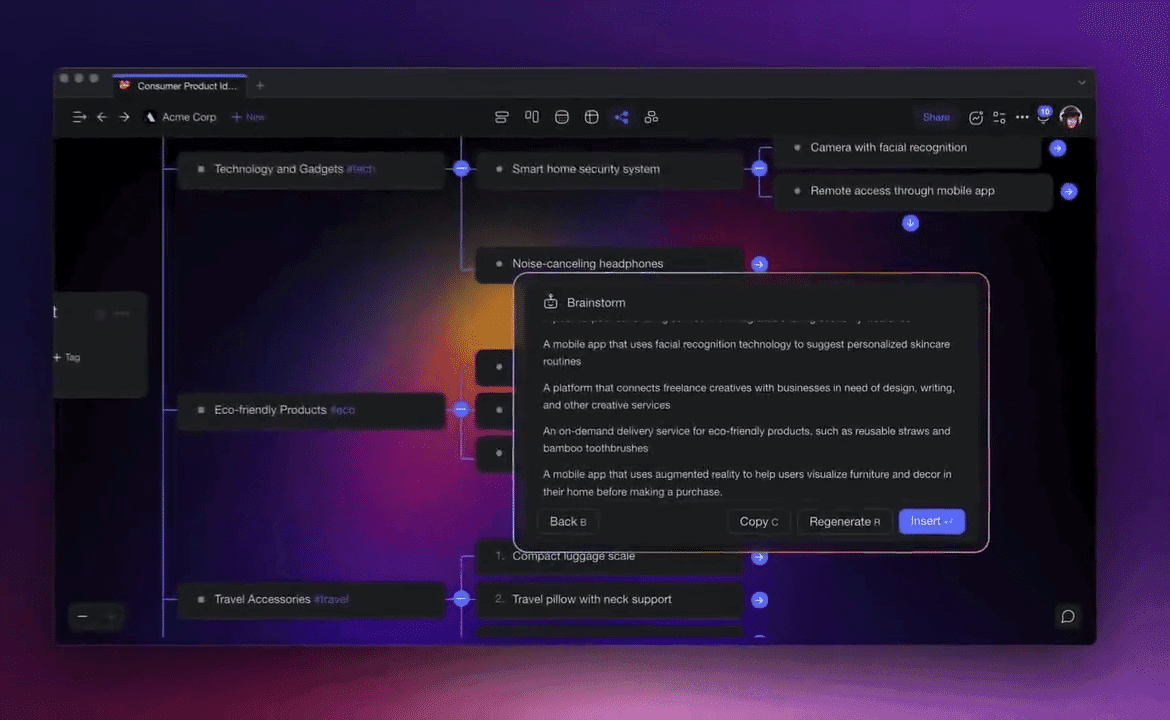
- Mind Maps & Kanban boards – You can view one project as a list, mind map, board, calendar, or table. Click, and your view changes. All data stays the same. This sounds simple, but it’s really nice to do a brainstorm as a mind map and then immediately switch to a Kanban board to execute it.
- Built-in video chat – You can start a video call directly from a project. No sharing Zoom links, no opening Teams. Just click and talk. The quality is okay, not great, but fine for a quick meeting. I mainly use it for quick ten-minute check-ins.
- Cross-platform synchronization – Works on web, iOS, Android, Windows, Mac, and even Linux. Everything synchronizes automatically. I often start something on my laptop, pick it up later on my phone. Usually works well, though the sync is sometimes a bit slow – I’ll get back to that later.
- Project history – You can go back in time to see what a project looked like. On the free plan you get seven days of history, on paid plans unlimited. Useful if someone accidentally deletes something or if you want to see how an idea evolved.
Those AI agents deserve some extra attention. You can not only train them with your own content, but also give them specific tasks. For example, I have an agent that goes through our projects every Monday and checks which tasks don’t have a deadline. It then automatically sends a reminder. Now costs me zero time, saves frustration in the team.
Another use case: content creation. You can have an agent help with research, create outlines, or even write first drafts. The quality is comparable to ChatGPT, but the advantage is that everything is directly in your workflow. No copy-pasting between tools.
Taskade pricing
Let’s start with the good news: there is a free plan. And not some crappy freemium thing, but a version you can actually use. You get 250 MB storage, seven days of project history, and 1,000 AI credits per month. For one person who wants to try out the tool, that’s fine. The downside: you’re alone, no team features.
Want to work with a team or need more AI power? Then you’re looking at the paid plans. The Starter plan costs $ 8 per month, or $ 4 per month if you pay a year in advance (so $ 48 per year). You then get unlimited projects, 10 GB storage, and 10,000 AI credits per month. For small teams just starting out, this is a reasonable deal.
The Pro plan is $ 20 per month or $ 10 per month with annual payment ($ 120 per year). This is where it gets more interesting: unlimited storage, 100,000 AI credits, priority support, and advanced automations. If you want to work seriously with AI, you need this plan. Those 10,000 credits from Starter run out faster than you think if you use agents intensively.
Then there’s Ultra for $ 60 per month or $ 30 per month annually ($ 360 per year). This is for teams that really want to get everything out of the platform: 500,000 AI credits, custom branding, dedicated support. Honestly, this is overkill for most users, unless you have a larger team running AI agents all day long.
All paid plans can be tried free for seven days. No credit card needed, just test it out. Nice.
Is it worth the price? Depends on your situation. Compared to Notion ($ 10 per user per month) or Asana ($ 10,99 per user per month), Taskade is cheaper, especially if you factor in the AI features. But if you only need simple task management, you’re paying for features you might not use.
What should you watch out for?
Time for the honest stories. Because not everything is sunshine and rainbows.
The mobile app has become messy. After recent updates, it feels cluttered and busy. Too many buttons, too many options, and it’s not always clear where you need to be. On desktop everything works fine, but on my phone I sometimes have to click three times to get to a simple task list. That’s frustrating when you want to quickly check something.
That learning curve is no joke either. Yes, the basics are simple: create tasks, keep lists. But as soon as you start working with mind maps, automations, and AI agents, it quickly becomes overwhelming. There are so many options and views that new users don’t know where to start. I spent the first week mainly clicking around and trying to figure out what the best workflow actually is.
And then the project management. For simple projects it’s fine, but don’t expect Gantt charts, resource planning, or extensive dependencies between tasks. Taskade is built for speed and flexibility, not for complex project structures. Working on large projects with many moving parts? Then you’ll come up short.
The synchronization between devices is usually good, but sometimes slow. I’ve experienced a few times that changes on my phone didn’t appear on my laptop until five minutes later. Not dramatic, but annoying when you expect everything to work instantly.
And those AI features? Sometimes it feels like bloatware. Not every task needs AI, but Taskade does push it in your face everywhere. There are moments when I just want to make a simple checklist without an AI assistant asking if it can help. It’s like they want to show what they can do so badly that they forget that simple is sometimes better.
I also miss a good database function like Notion has. You can create tables, but it’s far from as powerful. For example, do you want a content calendar with relationships between articles, authors, and publication dates? Then it quickly becomes a mess.
What do others think?
The overall sentiment is positive, but with reservations. Many users praise the combination of tasks, notes, and chat in one app. That certainly saves a lot of switching between tools. The AI agents also receive a lot of praise – people say it really saves time on repetitive tasks.
The free plan is often mentioned as surprisingly comprehensive. Many competitors only give you a trial period or a very limited free version, but with Taskade you can really get started without paying right away.
But that mobile app keeps coming back in complaints. After updates, it feels messy and cluttered to many people. That’s not just my experience, apparently. Synchronization is also regularly mentioned as a pain point – it’s not always reliable.
An interesting observation from YouTube reviewers: Keep Productive praised the flexibility and price, but found the interface overwhelming for new users. The Business Dive was enthusiastic about the AI integration, but missed the depth of database tools. Rise Productive liked the mobile app, but warned that it’s no replacement for complex database apps like Notion.
What also stands out: some users find the AI features distracting. They just want a simple task list, but constantly get suggestions and options they don’t need. Taskade tries to be something for everyone, and that doesn’t always work.
Taskade alternatives
Doesn’t this quite fit what you’re looking for? Here are three alternatives that might be a better match.
- Notion – Better for documentation and wikis. Choose this if you focus on knowledge management and extensive documents instead of pure task execution. Notion has more powerful databases and is better for long-term documentation.
- Asana – More structure for large teams. Choose this if you work in a larger organization that needs strict project hierarchy and reporting. Asana is built for complex workflows and has better reporting options.
- Trello – Simpler and more visual. Choose this if you only need a simple Kanban board without AI bells and whistles. Trello does one thing well: visual project management. No distractions, no unnecessary features.
Frequently asked questions
Is Taskade free to use?
Yes, there is a free plan for individuals with basic features and limited AI credits. You get 250 MB storage, seven days of project history, and 1,000 AI credits per month. Enough to thoroughly test the tool and for light use it’s fine. The downside is that you don’t have team features – it’s really for one person.
Does Taskade work offline?
The mobile apps have limited offline functionality. You can view and create tasks, but for full synchronization and AI features, an internet connection is required. Once you’re back online, everything syncs. So don’t expect a full offline experience like with some other tools.
What are AI Agents in Taskade?
These are customizable AI assistants that you can train with your own data to automate tasks, do research, or generate content. You give them instructions and triggers, and they get to work. Think of: automatically converting meeting notes into tasks, checking deadlines weekly, or writing first drafts for content. The quality depends on how well you train them, but if you take the time to set them up properly, they can really take work off your hands.
Conclusion
Taskade is a solid choice for small teams and freelancers looking for flexibility. That combination of tasks, notes, and real-time collaboration works well, and the AI agents can really save time if you use them properly. The free plan is generous enough to work with seriously, and the paid plans are reasonably priced compared to competitors.
But it’s not perfect. The mobile app has become messy, the learning curve is steeper than you’d expect, and for complex project management you fall short. If you mainly need extensive documentation or database functionality, you’re better off with Notion. Do you work in a large organization with strict structures? Then look at Asana.
For me personally, Taskade works best as a central hub for daily tasks and short-term projects. I use it for content planning, team meetings, and quick brainstorms. For long-term documentation and complex projects, I use other tools. And that’s really the core: Taskade tries to be everything, but excels especially in speed and flexibility. If that fits your work style, you’ll appreciate it. If not, it feels like too much hassle for what you get back.