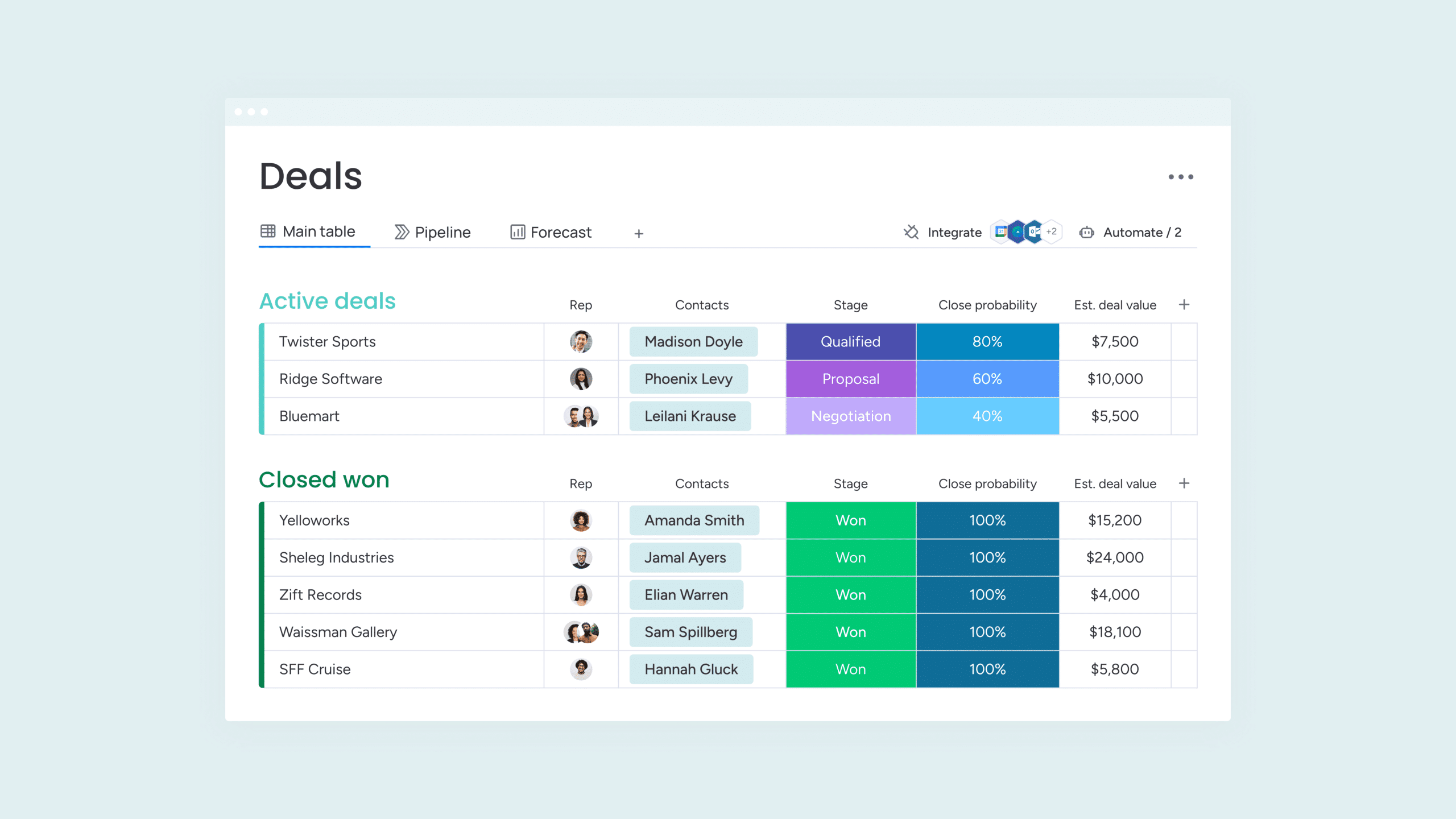
Your team uses spreadsheets, Slack messages, and scattered notes to keep track of projects. It works, but not quite smoothly. Monday.com promises to put an end to that with visual boards where you can plan, automate, and oversee everything. But is it worth the investment?
Who is behind Monday.com?
Monday.com was developed by the Israeli company monday.com Ltd., founded in 2012 by Roy Mann and Eran Zinman. What started as a simple project management tool has grown into a complete Work Operating System (Work OS) where teams can set up their entire workflow. The platform focuses on visual collaboration and no-code automation, allowing you to build complex processes without technical knowledge. Today, more than 150,000 organizations worldwide use the platform, from small teams to large enterprises.
Who is Monday.com for?
Monday.com is primarily built for teams that want to work visually and automate their processes without programming knowledge. The platform works well for marketing teams planning campaigns, project managers wanting to maintain oversight, sales teams tracking deals, and HR departments managing recruitment processes. The flexibility of the system makes it suitable for virtually any workflow you can think of.
But not everyone is equally well served by Monday.com. Freelancers run into an important obstacle: all paid plans require a minimum of 3 users. So you always pay for three seats, even if you work alone. Organizations with very complex ERP needs may also be better off looking at specialized software. Monday.com is powerful, but not a full-fledged ERP solution for, say, large production or logistics processes.
What can Monday.com do?
Monday.com offers a wide range of functionalities that help you organize projects and workflows. The power lies primarily in the flexibility: you build your own system with the building blocks the platform provides. Here are the key features:
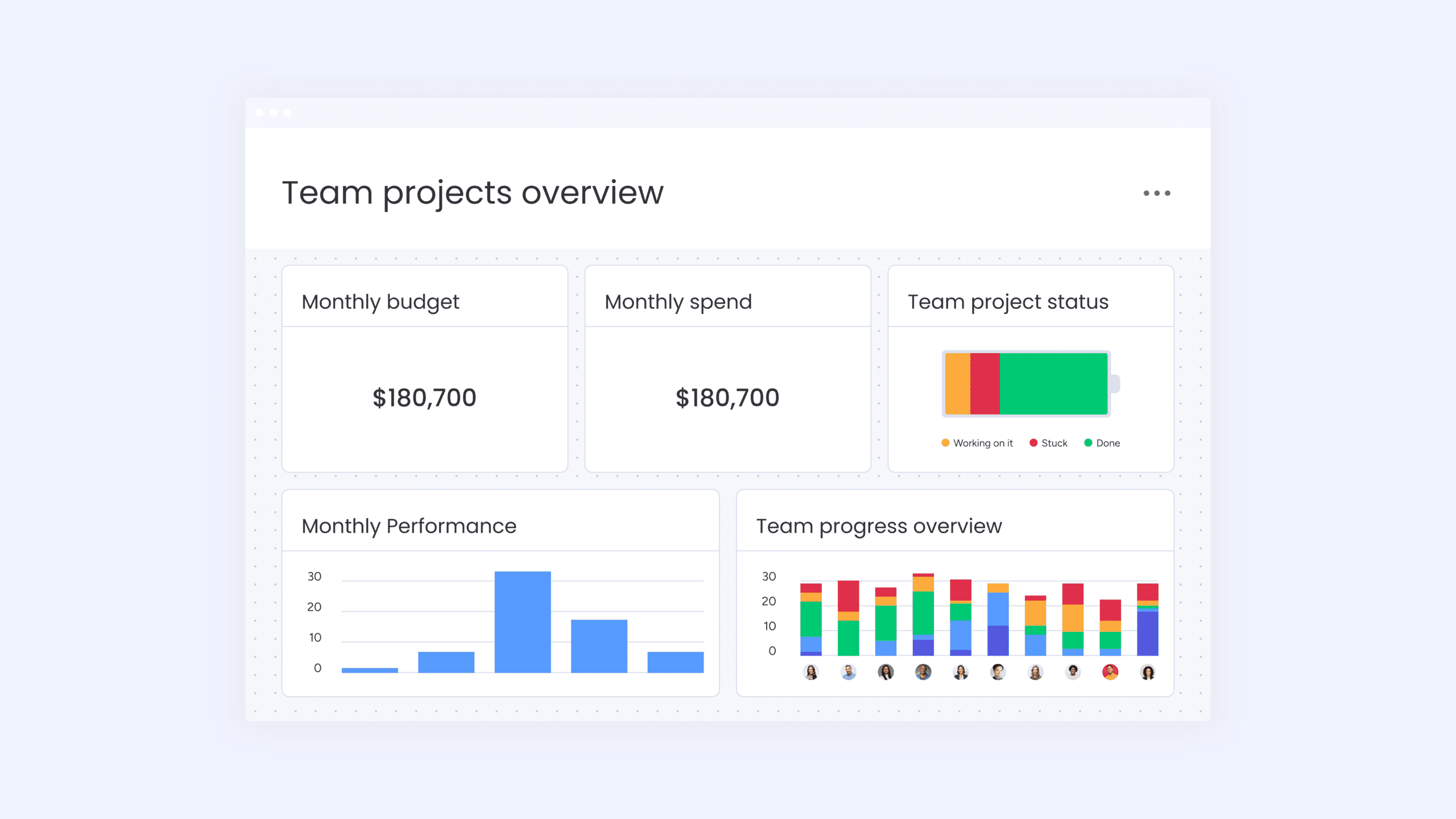
- Dashboards and Reporting – Build visual dashboards with charts, statistics, and progress indicators. You combine data from multiple boards to get a complete overview of your projects or teams.
- Automations – Set up no-code automations that take over repetitive tasks. For example: change the status to “In review” as soon as someone completes a task, or automatically send a notification to your team when a deadline approaches.
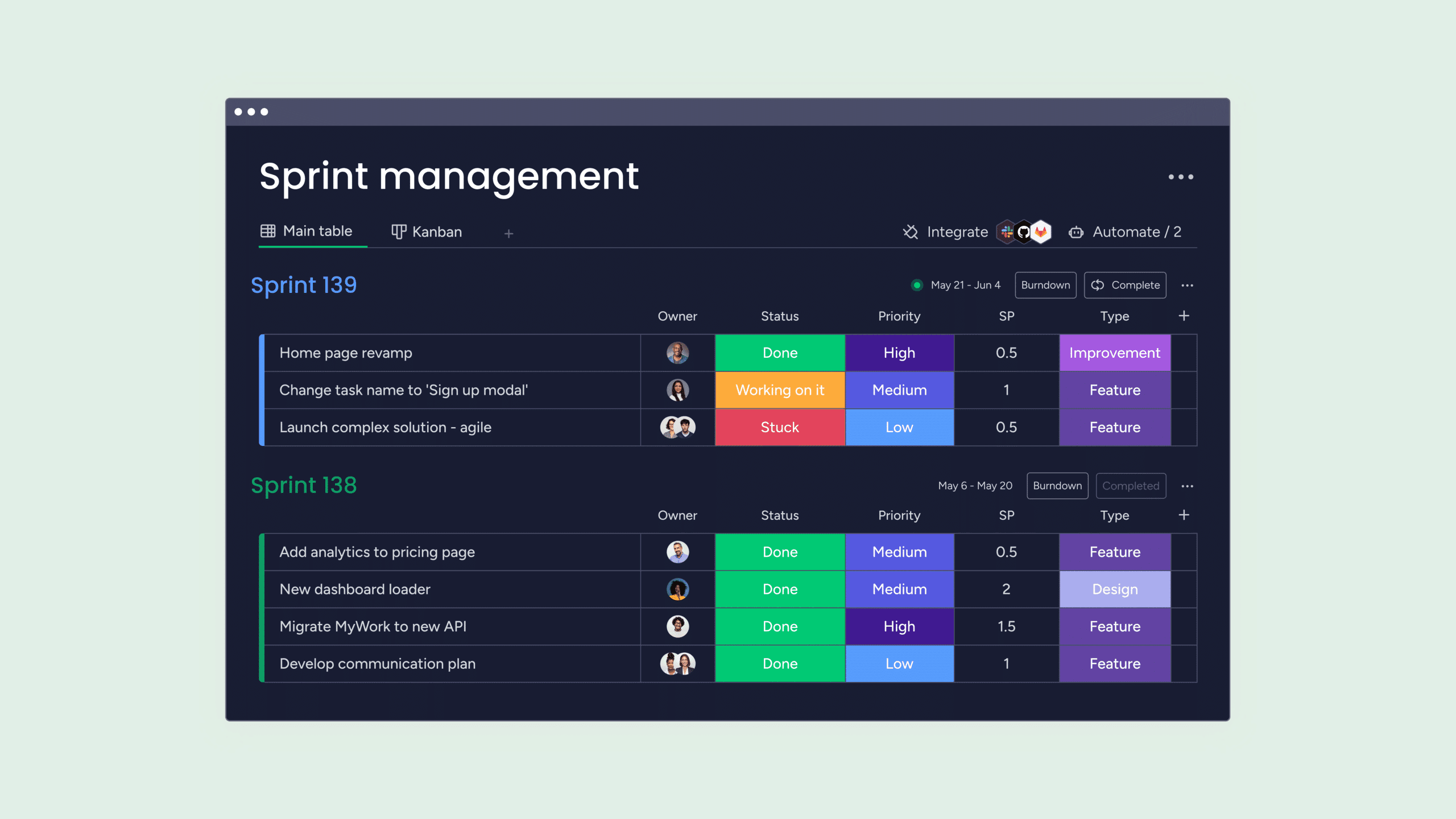
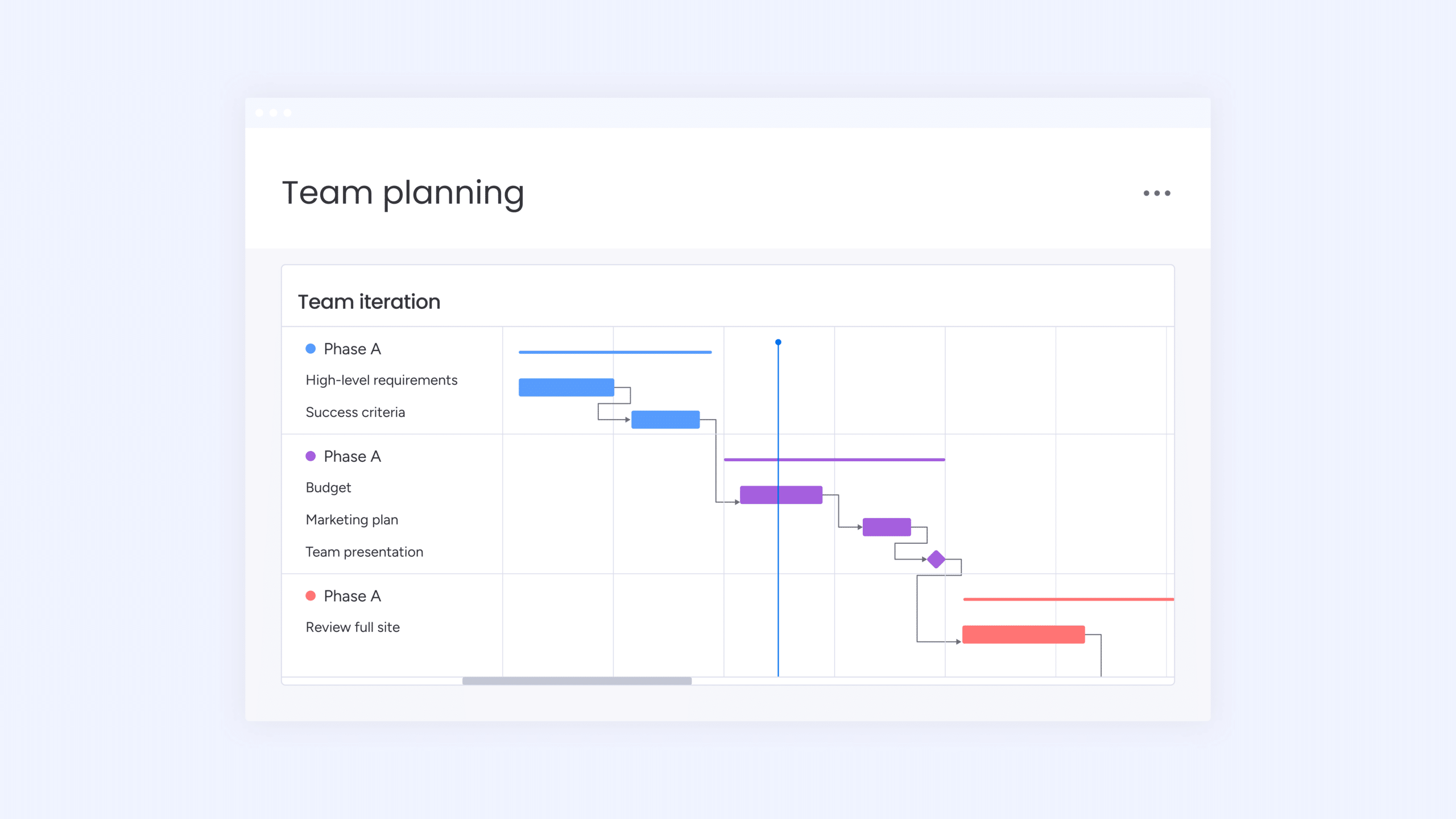
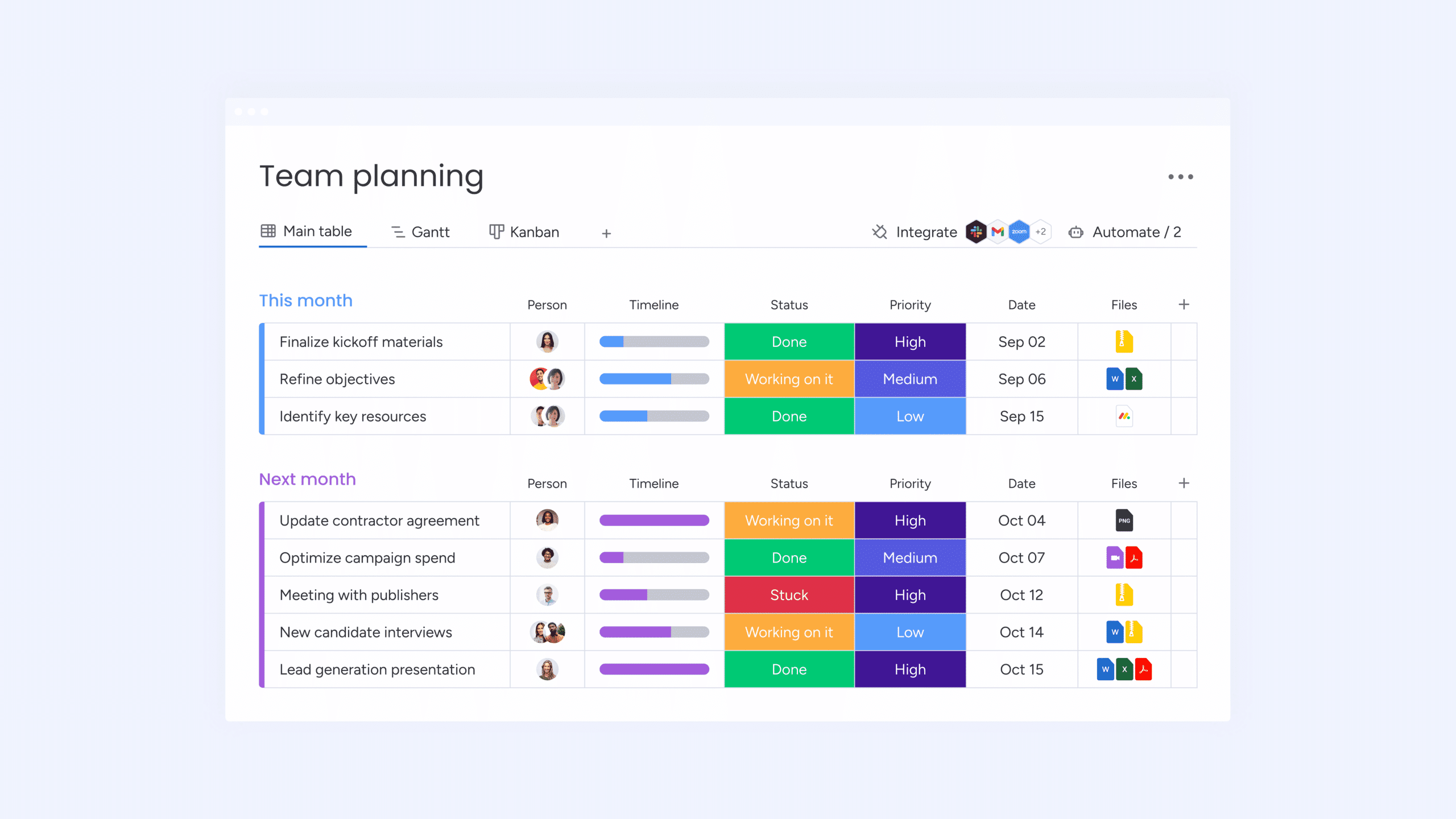
- Kanban, Gantt and Timeline views – View your work in the way that suits you. Switch between Kanban boards for visual task management, Gantt charts for planning with dependencies, or timelines for an overview of your roadmap.
- Integrations – Connect Monday.com to tools you already use, such as Slack for communication, Zoom for meetings, Gmail for email, or Google Drive for documents. The platform offers hundreds of native integrations and also works with Zapier for even more possibilities.
- Time Tracking – Track how much time you spend on tasks, directly within the platform. This feature is only included in the Pro plan, not in the cheaper options.
- Workforms and Docs – Create forms to collect information that automatically ends up in your boards. The docs feature lets you write documentation and link it to your projects, so everything is in one place.
The flexibility of Monday.com also means you can add your own columns with different data types: text, numbers, people, statuses, deadlines, files, and more. You’re essentially building your own database, but visually and without technical knowledge.
What does Monday.com cost?
Monday.com has a free plan, but it’s limited to a maximum of 2 users and 3 boards. You don’t get access to integrations or automations, which makes the tool quite limited. The free plan is mainly useful for getting to know the platform, but for serious use you need a paid plan.
With the paid plans, it gets more interesting, but also more complex. The Basic plan costs 12 dollars per user per month with monthly payment, or 9 dollars per month if you pay annually (108 dollars total). The Standard plan costs 15 dollars per month (or 12 dollars with annual payment, 144 dollars total). The Pro plan, which includes time tracking and more advanced features, costs 24 dollars per month or 19 dollars with annual payment (228 dollars total).
Important detail: all paid plans require a minimum of 3 users. Even if there are just two of you, you pay for three seats. This makes Monday.com relatively expensive for small teams or startups. You do get a 14-day trial period to test the platform before you pay.
The pricing structure can be confusing because Monday.com also offers different products (Work Management, Sales CRM, Dev) that each have their own prices. Make sure you’re clear about which product you need before choosing a plan.
What should you watch out for?
Monday.com has strengths, but also clear limitations that users encounter. The pricing structure is a frequently heard complaint. You pay per user, but often in tiers of 5 seats. Do you have 6 people? Then you pay for 10. This makes the tool more expensive than you think, especially for growing teams.
Important features are locked behind more expensive plans. Time tracking, for example, is only available in the Pro plan, not in Basic or Standard. Advanced automations and certain views are also reserved for higher tiers. This means you often have to pay more than you initially thought to get the functionality you need.
The Gantt charts feel limited according to many users. Where specialized project management tools offer extensive planning with dependencies, Monday.com remains somewhat superficial. For complex project planning with critical paths and resource management, it’s not the best choice.
Performance can become a problem with large boards containing lots of data. Users report that the platform slows down when you have hundreds of items or many automations. Subitems also integrate poorly with automations and reporting, which creates frustration when you want to build hierarchical structures.
The learning curve is steep for advanced use. Getting started is easy, but as soon as you want to build more complex workflows with formulas, automations, and connected boards, you need to invest quite a bit of time. Some users find the interface initially intuitive, but lose track as they use more features.
Monday.com alternatives
Monday.com is not the only player in the field of project management and workflow tools. Depending on your needs, other platforms may be a better fit:
- Asana – Choose Asana if you need strict project hierarchies with clear tasks, subtasks, and dependencies. It’s more structured than Monday.com, but less visually flexible. Good for teams that want to enforce a fixed workflow.
- Trello – Go for Trello if you only need simple Kanban boards without frills. It’s much simpler and cheaper, but also much more limited in features. Perfect for small teams or personal use.
- ClickUp – Consider ClickUp if you’re looking for an all-in-one tool at a lower price. It has more features than Monday.com (documents, goals, time tracking in all plans), but the interface is busier and the learning curve steeper. For teams willing to invest time in onboarding, it can offer more value.
Each alternative has its own strengths and weaknesses. Monday.com distinguishes itself primarily through its visual appeal and no-code automations, but you do pay a premium price for that.
Frequently asked questions
When considering Monday.com, the same questions often come up. Here are the answers to the most important ones:
Is there a minimum number of users for paid plans?
Yes, all paid plans require a minimum of 3 users. Even if you’re working with just two people, you pay for three seats. This makes Monday.com less suitable for freelancers or very small teams who don’t want to pay for unused licenses.
Where is my data stored?
By default, data is stored in data centers in the United States. However, Enterprise customers and new accounts can choose data storage in the EU, specifically in Frankfurt. This is relevant for organizations dealing with GDPR requirements or data sovereignty.
Can I use Monday.com for CRM?
Yes, Monday.com has developed a specific Sales CRM product with features for lead management, sales pipelines, and customer relationship management. This is a separate product with its own pricing, alongside the standard Work Management platform. The CRM product does integrate with your other Monday.com boards if you use both.
Conclusion
Monday.com is a powerful platform for teams that want to work visually and automate their workflows without programming. The interface is attractive, the automations save time, and the flexibility allows you to build virtually any workflow. For marketing teams, project managers, and departments that collaborate extensively, it offers real value.
But that value comes at a price. The required 3 users, the tier-based pricing structure, and important features behind more expensive plans make it a costly choice. Freelancers and small teams are better off looking at alternatives. For complex project planning or very large datasets, there are also better options.
Use the 14-day trial to test whether the interface fits your team and whether the features you need are included in your chosen plan. Monday.com can truly improve your workflow, but only if the investment fits your budget and team size.