
You have a folder full of notes, ideas, and annotations. But how do you find them? And more importantly: how do you see the connections between all those separate thoughts? I’ve been using Obsidian daily for two years now, and it has really changed how I think about taking notes. But it’s not for everyone.
Obsidian: the company
Obsidian was founded in 2020 by Shida Li and Erica Xu, two developers who became frustrated with note-taking apps that held your data captive in the cloud. Their philosophy? Your notes are yours. Period. That’s why Obsidian stores everything locally as simple Markdown files.
What started as a niche tool for knowledge workers and researchers has grown into one of the most beloved note-taking apps. With a rating of 4.8 and a hugely active community. The company has deliberately remained small and bootstrapped – no investors putting pressure to monetize users.
In 2025, they made a notable choice: the commercial license became free. You can now just use Obsidian for your work without paying. They earn their money with optional services like Sync and Publish. That says a lot about their confidence in the product.
Who is Obsidian actually for?
Obsidian is perfect for people who write, research, or study a lot. Think of: academics doing literature research, writers working on long projects, developers maintaining technical documentation, or students building a knowledge base for their studies.
It’s also ideal if privacy is important to you. Everything stays on your device. No server reading your data for AI training or advertising. You are in control.
But honestly? If you just want to quickly make a shopping list or type some meeting notes, Obsidian is overkill. It takes time to grow into. And if you mainly collaborate with a team on documents, you’re better off looking at Notion or Google Docs. Obsidian is built for individual use.
Features of Obsidian
Let me walk you through what Obsidian can really do:
- Local Markdown storage – Your notes are just text files on your computer. Open them in any text editor. No vendor lock-in. If Obsidian stops tomorrow, you still have all your work. That gives a peace of mind you don’t have with cloud apps.
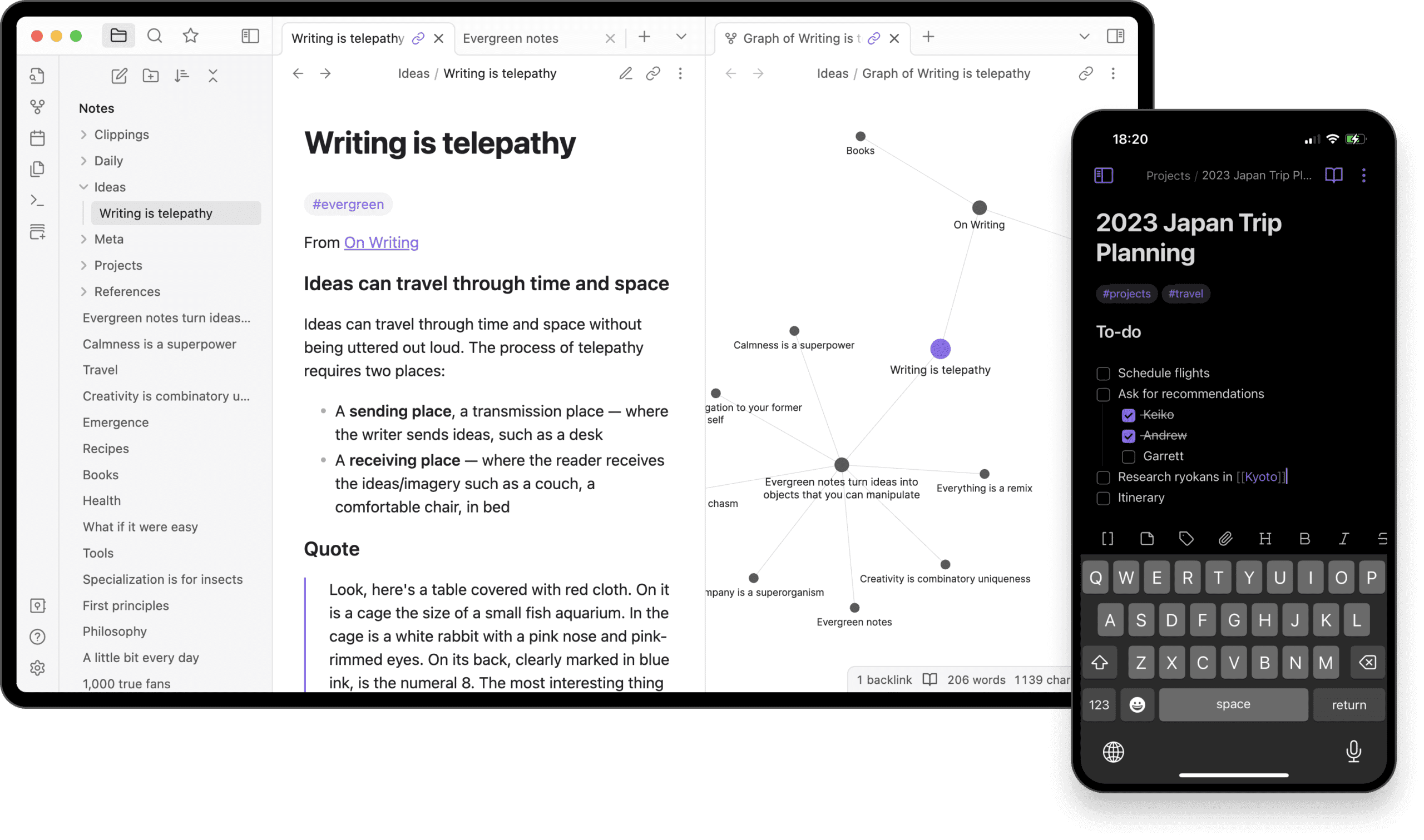
- Backlinks (Bi-directional links) – This is where the magic is. Link to another note with [[double square brackets]], and both notes know about each other. You build a web of ideas this way. For example, I link my project notes to relevant articles, and then automatically see which projects belong to which article.
- Graph view (Knowledge Graph) – A visual representation of all your notes and how they’re connected to each other. Sounds gimmicky, but it really helps you see patterns. That’s how I discovered that three different projects were actually about the same topic.
- Canvas (Infinite whiteboard) – Newer feature that lets you place notes, images, and ideas on a large canvas. Perfect for brainstorming or working out complex concepts. Think of it like Miro, but integrated into your notes.
- Community Plugins – This is where it gets interesting. Thousands of plugins created by the community. From Kanban boards to daily journaling templates, from dataview queries to PDF annotations. You can customize Obsidian completely to your liking.
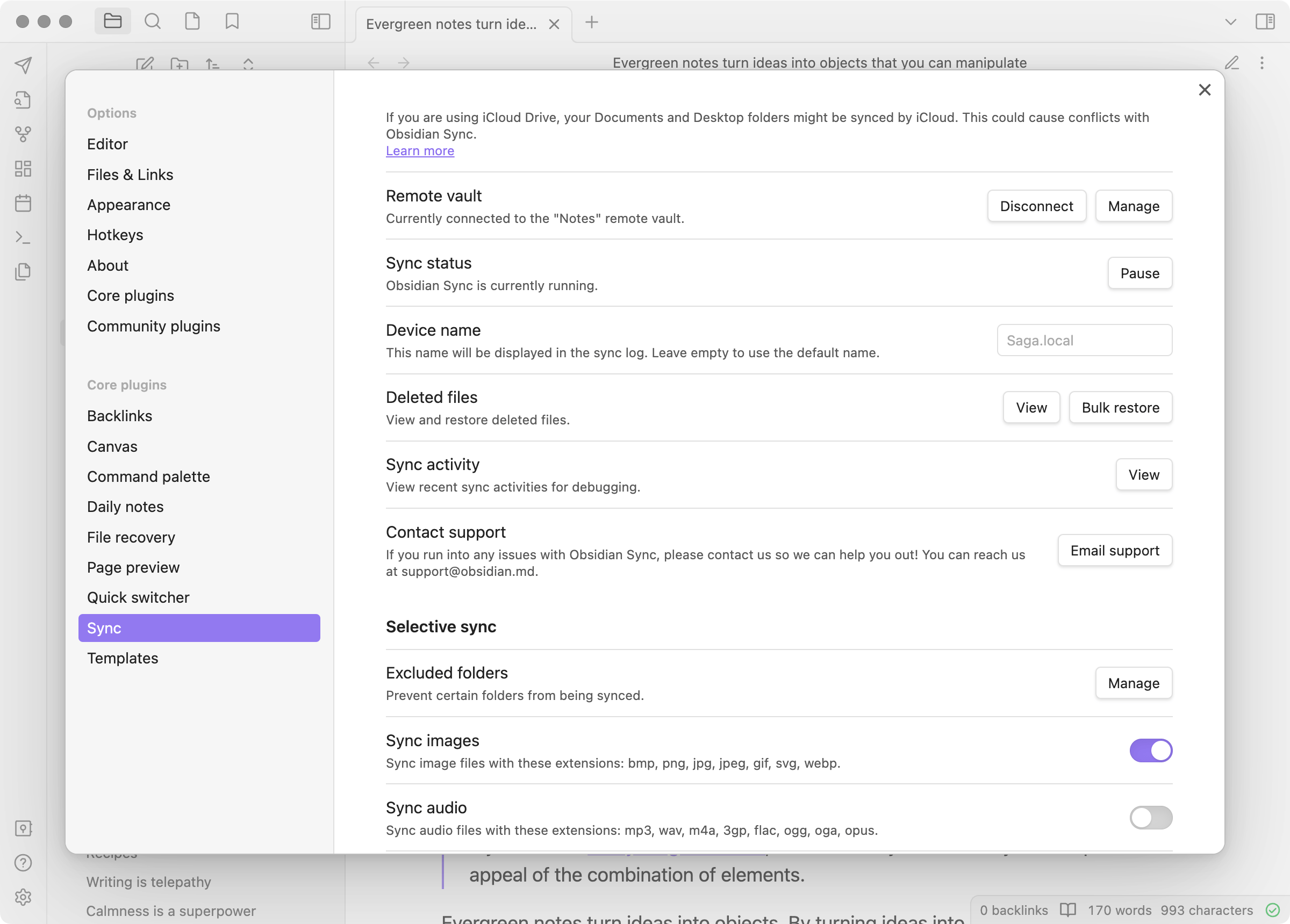
- Encrypted synchronization (Add-on) – The official Sync service is end-to-end encrypted. Even Obsidian can’t read your data. Costs $ 4 per month, but then you also get super-fast synchronization across all your devices.
That Graph View deserves some extra attention. At first, it seems like a fun toy – a bunch of bubbles with lines between them. But after a few months of use, you see real value. For example, I had notes about productivity, notes about focus, and notes about time management. The graph showed that those three clusters actually formed one big theme. I wouldn’t have seen that without that visualization.
And those Community Plugins? That’s both the biggest strength and weakness of Obsidian at the same time. You can customize everything. Literally everything. But that also means you can spend hours building the perfect setup. I know people who spend more time tweaking their Obsidian than actually writing. It’s a rabbit hole.
Obsidian pricing
The basic version of Obsidian is free. Completely. No limits on notes, no mandatory upgrade after 30 days. You can just use it, forever. That’s pretty remarkable in this era of subscription-everything.
Want synchronization between devices? Then you have two options. The official Obsidian Sync costs $ 4 per month with annual payment (total $ 48 per year), or $ 5 per month if you pay monthly. That’s pretty pricey compared to iCloud Drive or Dropbox that you might already have. But Sync is lightning fast and works perfectly, even with large vaults.
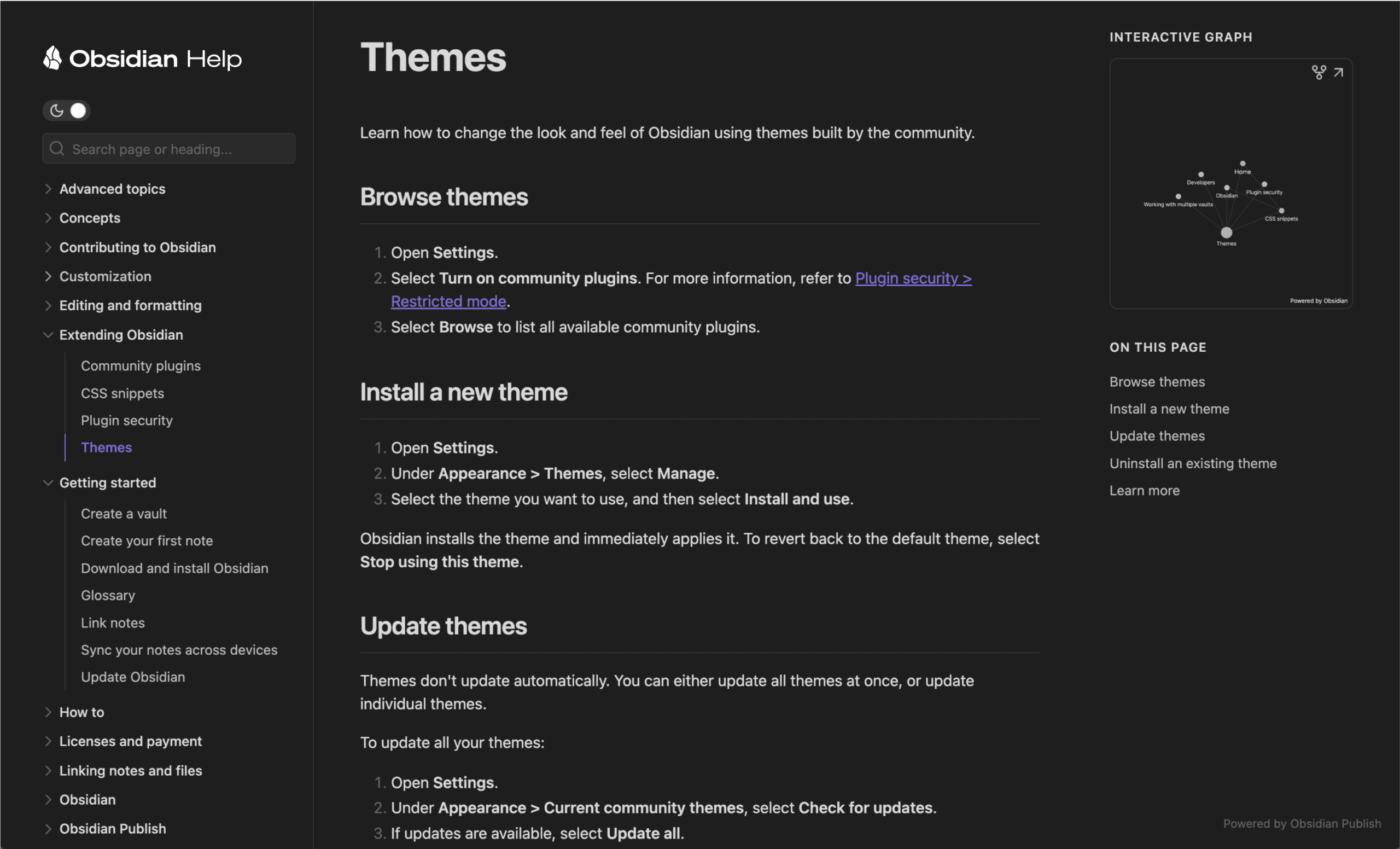
The other paid service is Publish, for $ 8 per month with annual payment ($ 96 per year) or $ 10 per month. With it you publish your notes as a website. Useful for documentation or a digital garden, but not necessary for most people.
Honestly? I find that Sync price on the high side. You can also just put your Obsidian folder in iCloud, Google Drive or Dropbox and synchronize for free. Works fine, just a bit slower. Or you use Git if you’re technical. The $ 4 per month you’re mainly paying for convenience and speed.
Compared to Notion (free for personal use, but everything in the cloud) or Evernote (€ 10 per month for basic functionality) Obsidian is a bargain. Especially since you’re not forced to pay.
What should you watch out for?
The learning curve is really steep. If you’re used to Word or Google Docs, Obsidian feels strange at first. You have to learn Markdown, you have to understand the link system, and the whole philosophy of a “second brain” requires a different way of thinking. Don’t expect to be productive after one day.
The mobile app is disappointingly slow. Especially startup takes long if you have many plugins. I sometimes need 10-15 seconds before I can start typing. That’s frustrating when you want to quickly jot something down. The desktop app is lightning fast, but on your phone it’s a different story.
And then that Sync price. $ 48 per year is not little for what is essentially a Dropbox replacement. Yes, it’s faster and better integrated, but it feels expensive. Especially since the rest of the app is free, this feels like a mandatory upgrade if you work on multiple devices.
Another thing: you can spend hours optimizing your setup. Trying new plugins, customizing themes, perfecting workflows. It’s addictive, but also a waste of time. I notice that I’m sometimes more focused on how I make notes than on the notes themselves.
For teams, Obsidian is simply not suitable. There’s no real-time collaboration, no comments, no rights management. If you want to work on the same documents with colleagues, you really need to look at something else.
What do others think?
The sentiment around Obsidian is predominantly positive. People are especially enthusiastic about the complete control over their data. In a time when everything is moving to the cloud, it feels good to just have your notes on your own computer. No worries about privacy, no hassle with internet connections.
The plugin library gets a lot of praise. There’s a plugin for almost everything. Want a Kanban board? There’s a plugin. Daily journaling? Plugin. Spaced repetition for studying? Plugin. That customizability makes Obsidian indispensable for many people.
The Graph View is often mentioned as a unique feature that really helps with visualizing connections. Especially academics and researchers appreciate this enormously.
But there’s also criticism. The mobile app is often criticized for slow startup times, especially with many plugins. Some users report that it takes 10-20 seconds before the app is usable. On Android, PDF export is also missing, which is a loss for many people.
The price of Obsidian Sync comes up regularly. Many users find $ 48 per year too much, especially since you have free alternatives like iCloud or Dropbox. The official Sync is faster and more reliable, but the question is whether that’s worth the difference.
A common complaint: people spend too much time tweaking their setup. The tempting world of plugins and themes means you’re more busy with the tool than with the work itself. That’s an interesting problem – the flexibility that makes Obsidian so good is also a pitfall.
Obsidian alternatives
Obsidian isn’t for everyone. Also check out these alternatives:
- Notion – Cloud-based and much more focused on collaboration and databases. Choose this if you’re looking for an all-in-one workspace for teams and project management. Notion is more user-friendly, but your data is in the cloud and you depend on an internet connection.
- Logseq – Open source and works by default as an outliner with bullet points. Choose this if you prefer an outliner structure and open source software is important to you. Logseq has many of the same features as Obsidian, but with a different approach to note-taking.
- Joplin – More traditional note design and completely open source. Choose this if you’re looking for a simple, open source Evernote replacement without complex graph features. Joplin is less overwhelming than Obsidian and faster to get started with.
Frequently asked questions
Is Obsidian free for commercial use?
Yes, since 2025 the commercial license has become optional. You can use Obsidian for free for your work, without additional costs. That’s a big change – previously you had to buy a license if you used it for your business. Now you only pay if you want to use the optional services like Sync or Publish.
Where are my notes stored?
Locally on your own device, as simple Markdown files. You can just open them in your file manager and see them. That means you always have complete control over your data. No server reading your notes, no risk that a company goes bankrupt and your data disappears. It’s just a folder with text files on your computer.
How can I synchronize my notes between devices?
You have a few options. The official Obsidian Sync service costs $ 4 per month and works super fast and reliable. But you can also use free alternatives: put your Obsidian folder in iCloud Drive, Google Drive, Dropbox or OneDrive. That works fine, just a bit slower. Technical users can also use Git for version control and synchronization. I use iCloud myself and that works well enough, though it’s not as instant as the official Sync.
Conclusion
Obsidian is a fantastic tool if you’re willing to invest time. It’s not plug-and-play like Notion or Evernote. You have to learn the Markdown syntax, understand the link system, and build your own workflow. But if you make that investment, you get a lot in return.
For me personally, the local storage is the biggest plus. My notes are mine. No company reading my data, no privacy concerns, no dependency on an internet connection. That gives peace of mind.
The Graph View and backlinks have really changed how I think about notes. Instead of separate documents in folders, I now have a network of ideas that are connected to each other. That helps with creativity and seeing patterns.
But I have to be honest: the mobile app is disappointing. If you work on the go a lot, that’s a problem. And the price of Sync feels too high for what it is. I use iCloud myself, that works well enough.
My advice? Try it for free. Download Obsidian, make some notes, experiment with links and the Graph View. If after a few weeks you notice you keep coming back, then it’s probably something for you. If not, no problem – you haven’t paid anything and your notes are just text files you can use anywhere.
For writers, researchers, students and knowledge workers who want to build their own system: this is the best tool I know. For people who just want to quickly make some notes without hassle: look at something simpler.