You’ve probably heard of Wunderlist – the to-do list app that Microsoft bought in 2015 and shut down a few years later. The founder of Wunderlist, Christian Reber, wasn’t happy about that. So he decided to start over. The result? Superlist, an app that combines tasks and notes and focuses on both personal use and teamwork.
Who is behind Superlist?
Superlist was founded in 2020 by Christian Reber, together with Ben Kubota, Brandon Arnold, Marcel Käding and Niklas Jansen. The company is officially called Superlist Software GmbH and is based in Berlin. Reber is no stranger to the world of productivity tools – he previously founded Wunderlist, which grew into one of the most popular to-do list apps in the world before Microsoft acquired it.
The original idea behind Superlist was clear: create a modern successor to Wunderlist that combines tasks and notes. Not just for individuals, but also for teams who want to collaborate without drowning in a clunky project management system. The team chose Flutter as their technology, allowing them to build apps for different platforms with one codebase.
Investors saw potential in it. Superlist has raised $ 1.8 million to date, with support from parties like EQT Ventures, Cherry Ventures and WndrCo. The exact number of people using the app is not known, but the Wunderlist nostalgia alone attracts many curious users.
Who is Superlist for?
Superlist primarily targets freelancers, small teams, creative professionals and of course anyone who misses Wunderlist. It’s a tool for people who want to manage both their personal tasks and work projects in one app, without it becoming too complex.
For large companies, Superlist is less suitable. There are no advanced project management features like Gantt charts or resource planning. If you need that kind of functionality, you’re better off looking at other tools. Superlist deliberately keeps it simple and clear.
What can Superlist do?
The free version of Superlist offers unlimited tasks and notes, up to 5 private lists and 5 shared lists with a maximum of 5 people per list. For more storage space (above 500MB), unlimited lists and advanced integrations, you need a paid plan. Here are the main features:
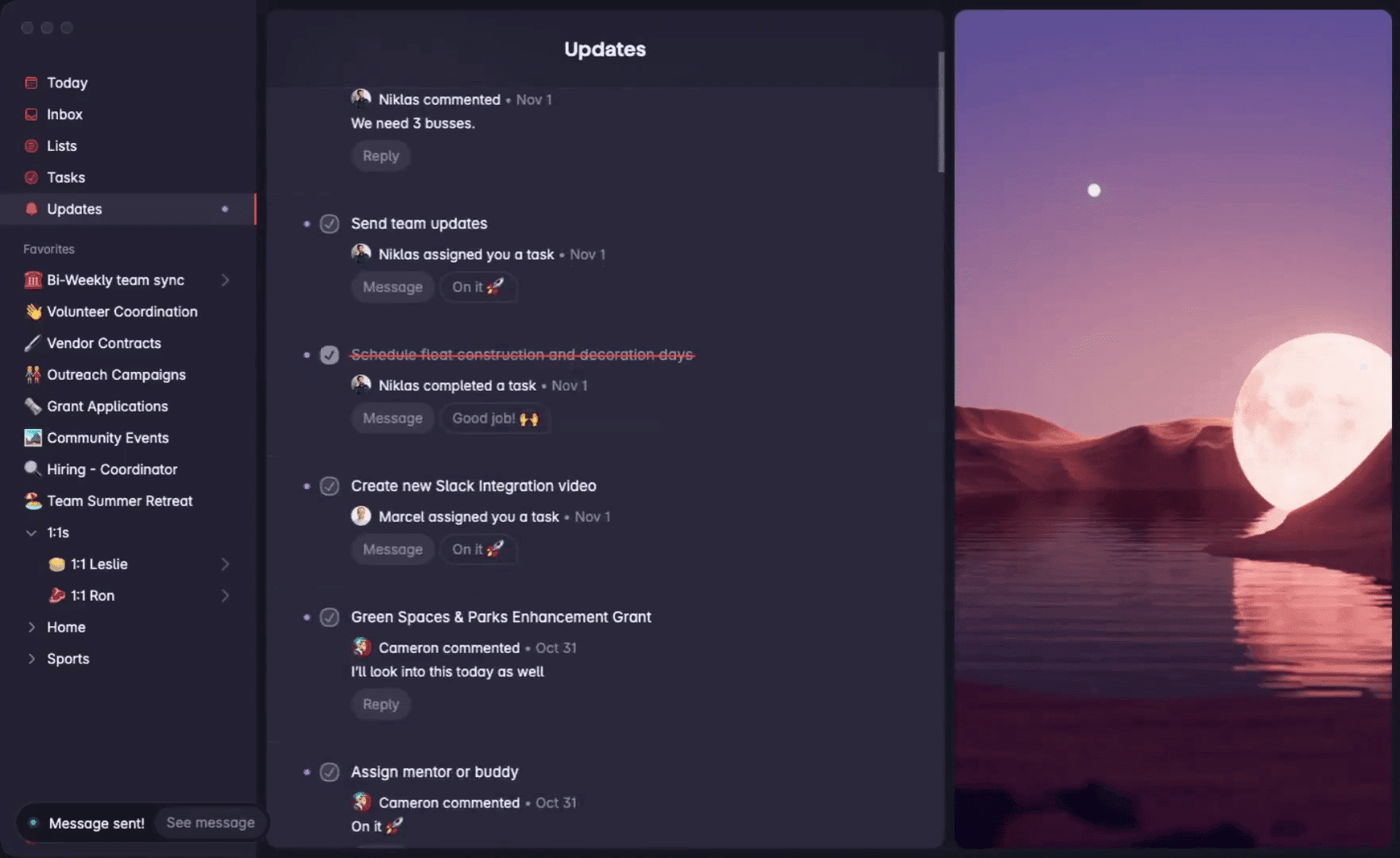
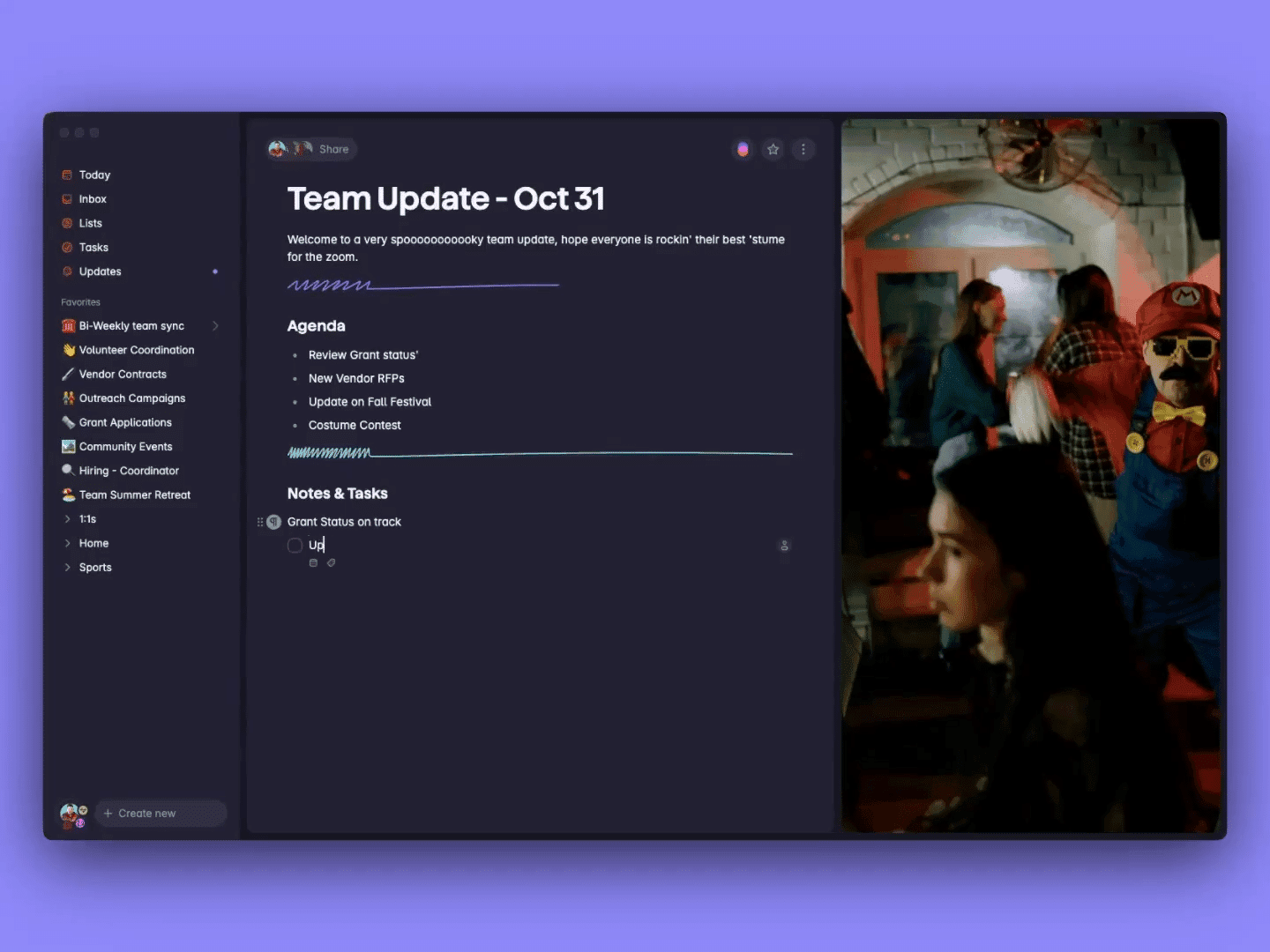
- Combine tasks and notes – You no longer have to choose between a task list and a notes app. In Superlist, you can add notes within each task, save links, and keep context. Handy when you not only want to know what you need to do, but also why and how.
- Infinite nesting of tasks – You can break down large projects into subtasks, and those into even smaller tasks. As deep as you want. That provides overview without needing a complicated project management system right away.
- Separation between personal and work – Superlist makes a clear distinction between personal and shared lists. You can separate your work projects from your shopping list without everything getting mixed up.
- Real-time collaboration – When you work with a team, you immediately see what others add or change. No confusion about who did what or outdated information.
- AI features – With ‘Make’, you can automatically generate lists based on a description using AI. For example, say “plan a birthday party” and the app fills a list with logical steps. The ‘Talk’ feature lets you speak tasks instead of typing them.
- Integrations – Superlist connects with Gmail, Slack, GitHub, Linear, and Figma. This allows you to create tasks from your inbox or directly link development issues to your lists.
What does Superlist cost?
Superlist has a free plan that’s quite generous. You get unlimited tasks and notes, 5 private lists and 5 shared lists with a maximum of 5 people. Storage space is limited to 500MB, which is sufficient for most people if you’re mainly storing text.
Want more? Then there are two paid plans. The Pro plan (also called Basic) costs 6 dollar per month, or 59 dollar per year (that’s 5 dollar per month). The Super plan costs 25 dollar per month, or 249 dollar per year (21 dollar per month). With the paid plans, you get unlimited lists, more storage space, and access to all integrations and AI features. There’s no free trial, so you have to decide right away if you want to pay.
What should you watch out for?
Superlist looks beautiful, but it’s not perfect. A common complaint is that the web app can be slow. Syncing between devices doesn’t always work smoothly, which is annoying when you switch between your phone and laptop.
There’s no native Windows app. You can use the web version, but that feels less comfortable than a real desktop application. For Mac and mobile, there are native apps, so Windows users are out of luck.
Collaboration can be buggy. Users report that changes sometimes don’t appear immediately for team members, or that notifications don’t always arrive. For an app that focuses on teamwork, that’s a problem.
A calendar view is missing. If you like to see your tasks on a timeline, you’ll need to look at another tool. Superlist focuses on lists, not on planning over time. Some users also miss advanced filters and search functions that you do find with competitors.
Superlist alternatives
Superlist isn’t the only player in this field. Here are three alternatives you can consider:
- Todoist – Choose this if you’re looking for a proven, pure task manager without frills. Todoist has been around longer, is more stable, and has more integrations. It focuses less on notes, but if you mainly want to check off tasks, it’s more reliable.
- Things 3 – Choose this if you work alone and are fully in the Apple ecosystem. Things 3 is a one-time purchase (no subscription), looks beautiful, and only works on Apple devices. There’s no collaboration, but for personal use it’s excellent.
- Notion – Choose this if you need a complete workspace with databases, wikis, and documents. Notion can do much more than Superlist, but is also more complex and slower for quick tasks. It’s more of a digital workplace than a simple task list.
Frequently asked questions
A few questions that often come up about Superlist:
Is Superlist the successor to Wunderlist?
Yes, spiritually speaking. It was founded by Christian Reber, the original creator of Wunderlist. He wanted to revive the spirit of that app in a modern form, with additional capabilities like notes and better collaboration. Officially, it’s a new product, not a direct continuation.
Can I use Superlist for free?
Yes, there’s a generous free plan. You get unlimited tasks and notes, 5 private lists and 5 shared lists with a maximum of 5 people per list. For most people using the app personally, that’s enough.
Does Superlist work offline?
Yes, Superlist has an offline mode. You can work without an internet connection and your data syncs as soon as you’re back online. Handy when you’re on the go or on a plane.
Conclusion
Superlist is a solid choice if you’re looking for a modern task list that also supports notes. The design is pleasant, the free version is generously sized, and the connection to Wunderlist gives it a nostalgic touch. For small teams and freelancers who don’t want too much fuss, it’s a good option.
But it’s not for everyone. Windows users are missing a native app, syncing can be clunky, and essential features are lacking for large organizations. If you expect stable software without growing pains, wait a bit longer or look at established alternatives. Superlist has potential, but still needs to grow before it can truly replace Wunderlist.